Local by default
Text extraction, entity detection, and rewriting all run on your machine using a bundled local model.
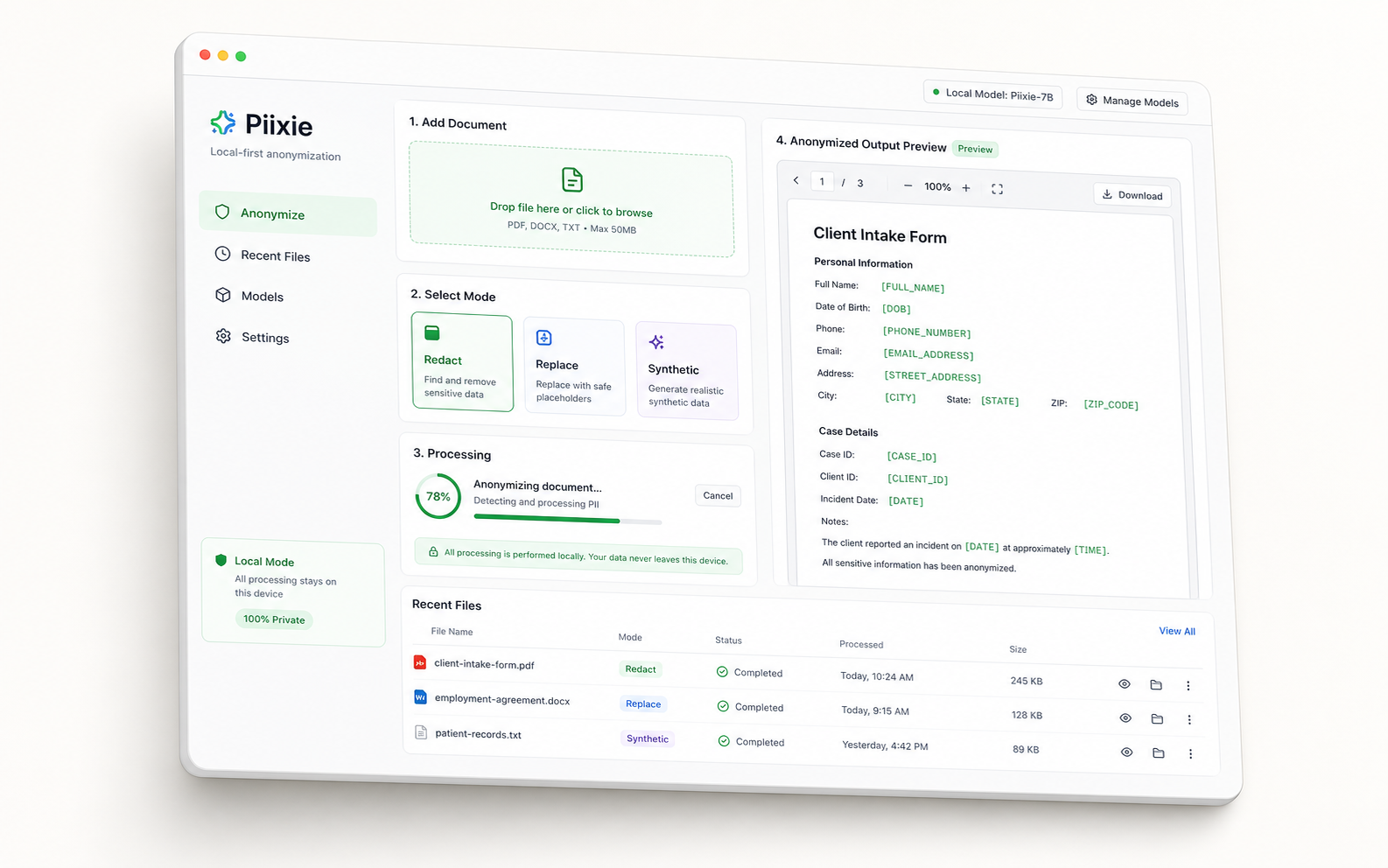
Scrub private data from documents, tables, and notes before you paste, upload, or automate anything with an LLM.
You use LLMs to get work done. You should not have to paste raw PII into someone else's service to do it. Piixie strips private data on your machine so you send only what you intend.
Text extraction, entity detection, and rewriting all run on your machine using a bundled local model.
Strict redaction, stable replacement tokens, or synthetic values that keep the same format.
Run Piixie interactively, from the CLI, or as an internal server for batch jobs and shared team access.
Some workflows need the strongest redaction. Others need the document to stay readable. You pick.
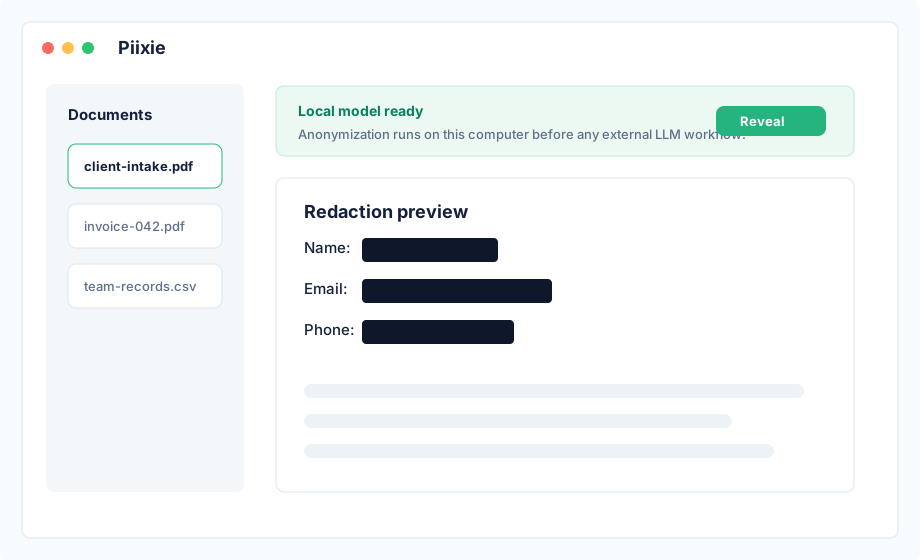
Desktop review, synthetic replacement tables, and CLI automation all use the same local pipeline.
Replace names, emails, phone numbers, and other PII with blacked-out blocks.
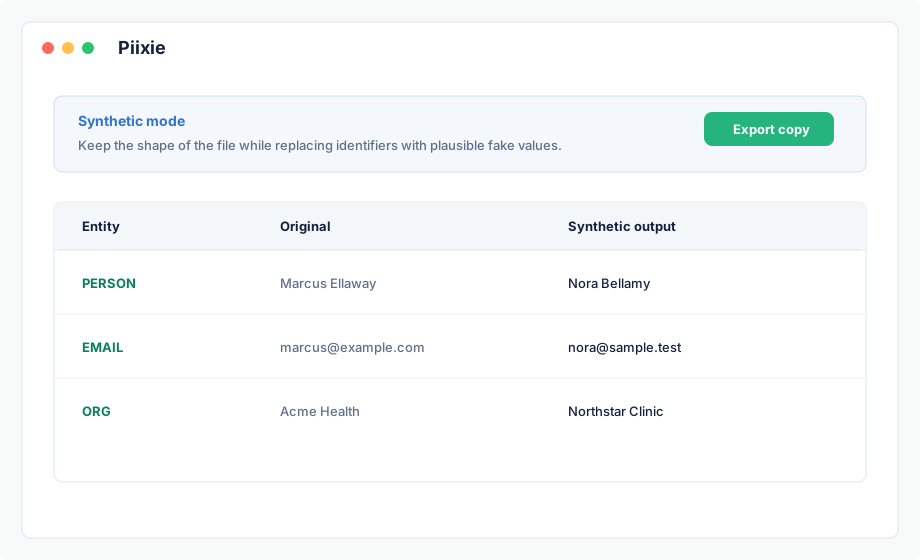
Swap in fake names and addresses that keep the document readable.
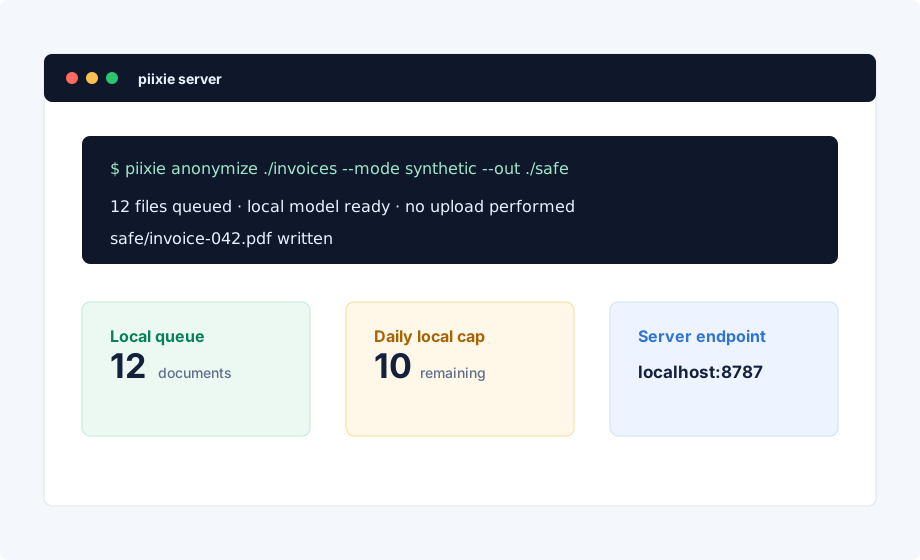
Batch documents from scripts or run a shared server for the team.
The local model spots private entities and picks a generator for each one. Piixie then produces fake values on your machine using Faker-backed profiles.
Fake values come from a bundled local Faker runtime.
One detected entity gets one fake identity across names, addresses, and linked values where possible.
IDs and dates keep their formatting so tests, demos, and prompts still look right.
Piixie keeps as much as possible on the device. When teams use external models, they send an already-anonymized copy.
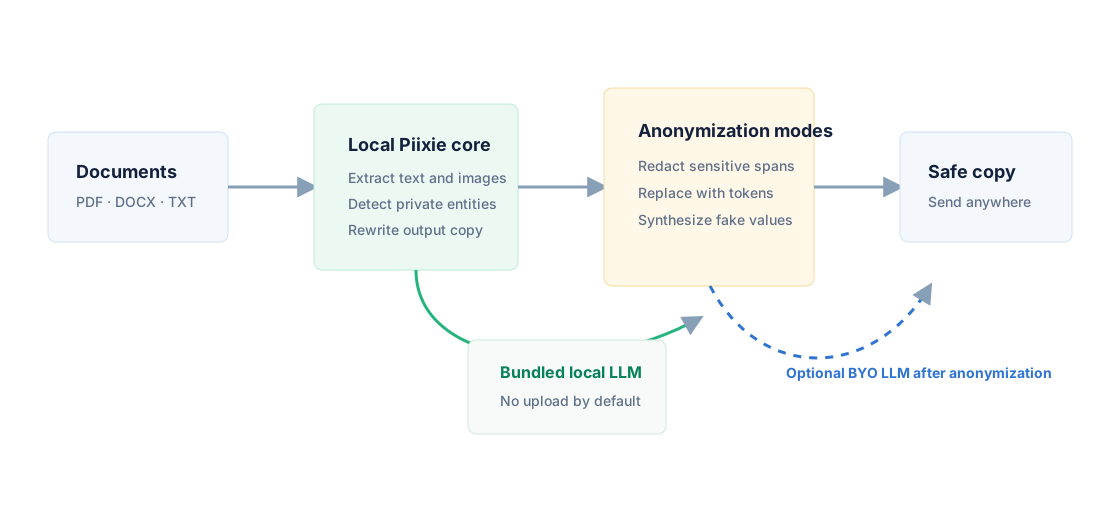
The same pipeline runs on the desktop, at the command line, and on a shared server.
flowchart LR
  A[Raw document] --> B[Extract locally]
  B --> C[Detect PII]
  C --> D{Choose mode}
  D --> E[Redact]
  D --> F[Replace]
  D --> G[Synthesize]
  E --> H[Safe copy]
  F --> H
  G --> H
  H --> I[Prompt, share, archive, or test]
Start free. Move to Pro when you anonymize documents daily. Run a shared server when the whole team needs it.
For occasional local anonymization.
For people anonymizing documents every workday.
For teams that need a shared internal service.
For organizations that need SSO and audit controls.
Setup, supported file types, automation, server mode, and product updates.